Provider quickstart
Run a GPU? Earn USDC by serving inference. Point the provider agent at a local backend (vLLM, llama.cpp, LM Studio, Ollama) — or resell an upstream key you already pay for — and set your resale prices.
-
Install the agent.
Terminal window curl https://usepod.ai/install.sh | shOn Windows:
irm https://usepod.ai/install.ps1 | iex. -
Enroll.
Terminal window usepod-agent enroll # prints an enrollment codePaste the enrollment code at
usepod.ai/host. -
Post a bond.
Send the displayed $50 USDC bond to the deposit address. The bond is held while you operate and released after a cooldown when you retire.
-
Run.
Terminal window usepod-agent runThe agent opens an outbound WebSocket to the coordinator, advertises your models and prices, and starts receiving jobs.
You earn 80% of every settled inference. Withdraw to a Solana wallet on demand — see Earnings & cashout.
Walk through it in the dashboard
Section titled “Walk through it in the dashboard”The host area at usepod.ai/host guides enrollment end
to end.
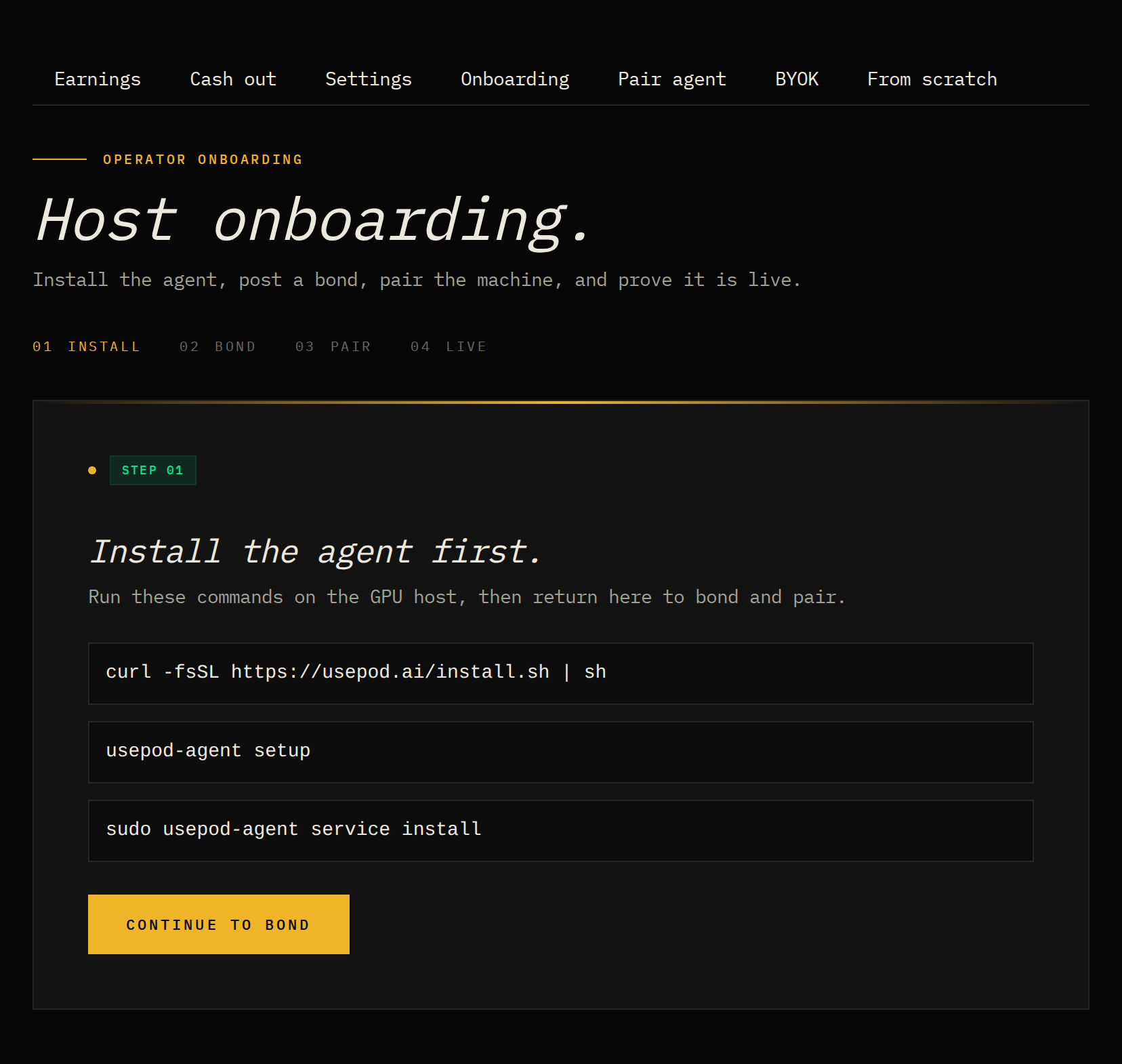
Onboarding. The Onboarding tab walks the four steps — install the agent, post the bond, pair the machine, and prove it’s live — each with the exact command to run on your GPU box.
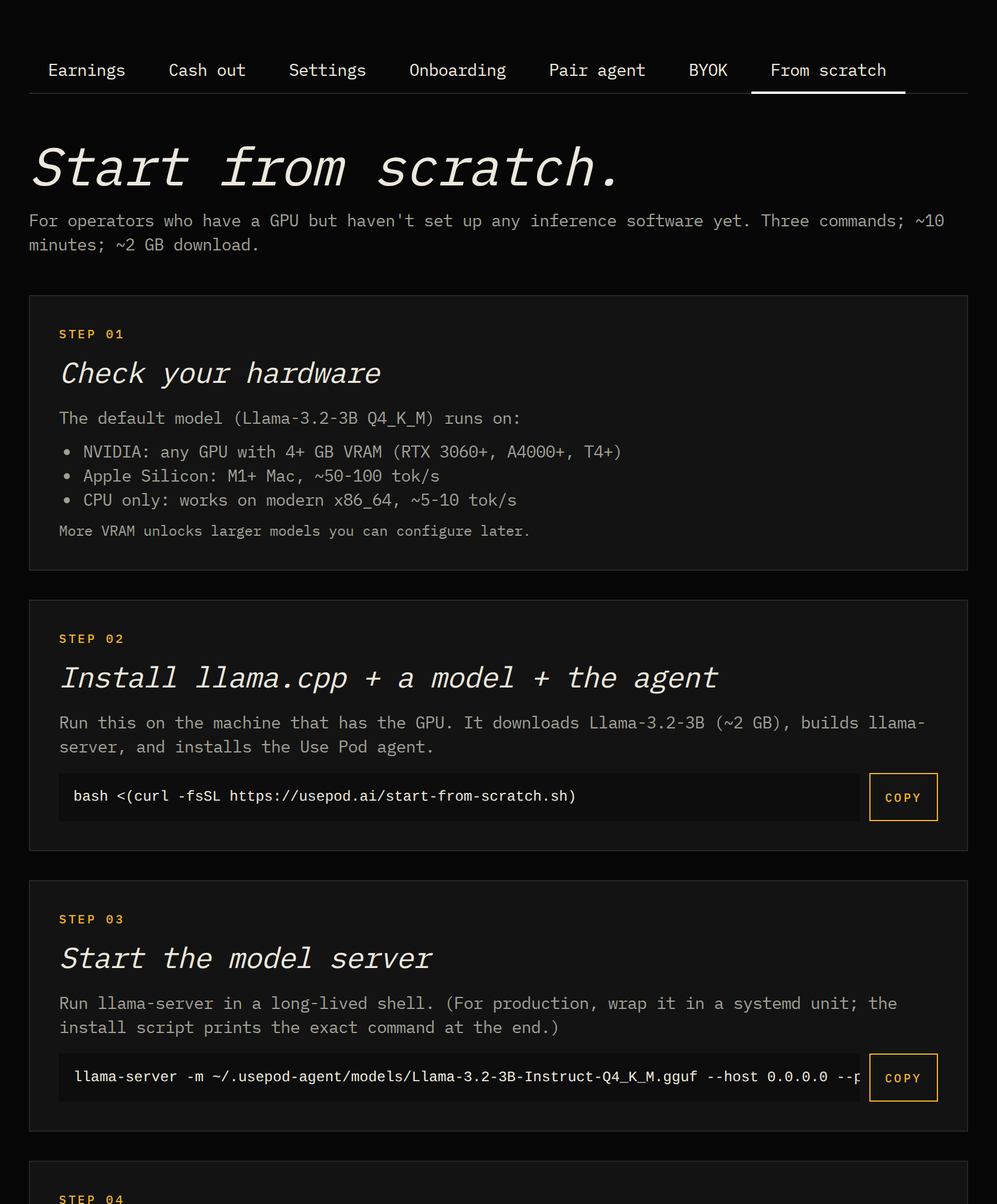
No inference server yet? The From scratch tab gives you three commands to install llama.cpp, download a model, and run the agent on a fresh GPU machine.
Two ways to supply
Section titled “Two ways to supply”- Self-hosted backend. The agent dispatches jobs to your local inference server. See The provider agent.
- Resell a key. Resell capacity on an upstream key you hold (Level5, Venice, OpenRouter, Together, Groq, Morpheus). See Resell your keys.